Version 4.2.0 takes fabular. offline into the field, gives the interface a more modern look with fabUI and introduces the completely rebuilt web shop with delivery slots, a new search and a new checkout.
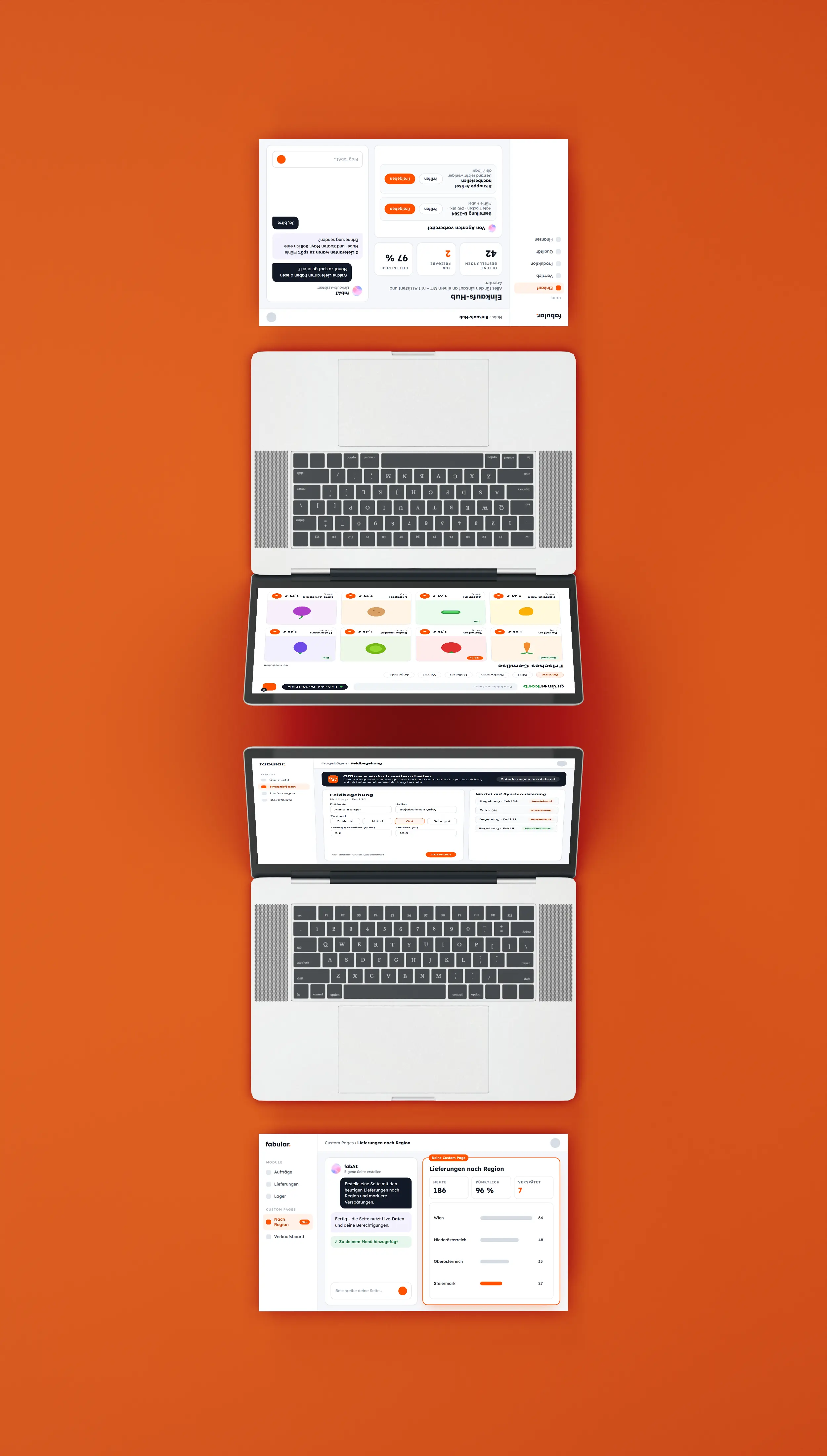
With Custom Pages, you build your own interfaces for exactly the tasks you need in your daily work – without traditional programming. You describe in your own words what the page should show and do, and fabAI creates it for you. The finished page appears as its own menu item in fabular. and works with the same data, rules and permissions as the rest of the system. This way, departments quickly get exactly the view they need without waiting for a development project.
fabular. can now also be used where there is no connection – in the warehouse, in the field or on the road at a customer’s site. You keep working as usual, for example when filling in questionnaires in the portal, and as soon as a connection is available again, your entries sync automatically. No data is lost and nobody has to re-enter information later. Teams in field service, raw material intake and anywhere the network is unreliable benefit in particular.
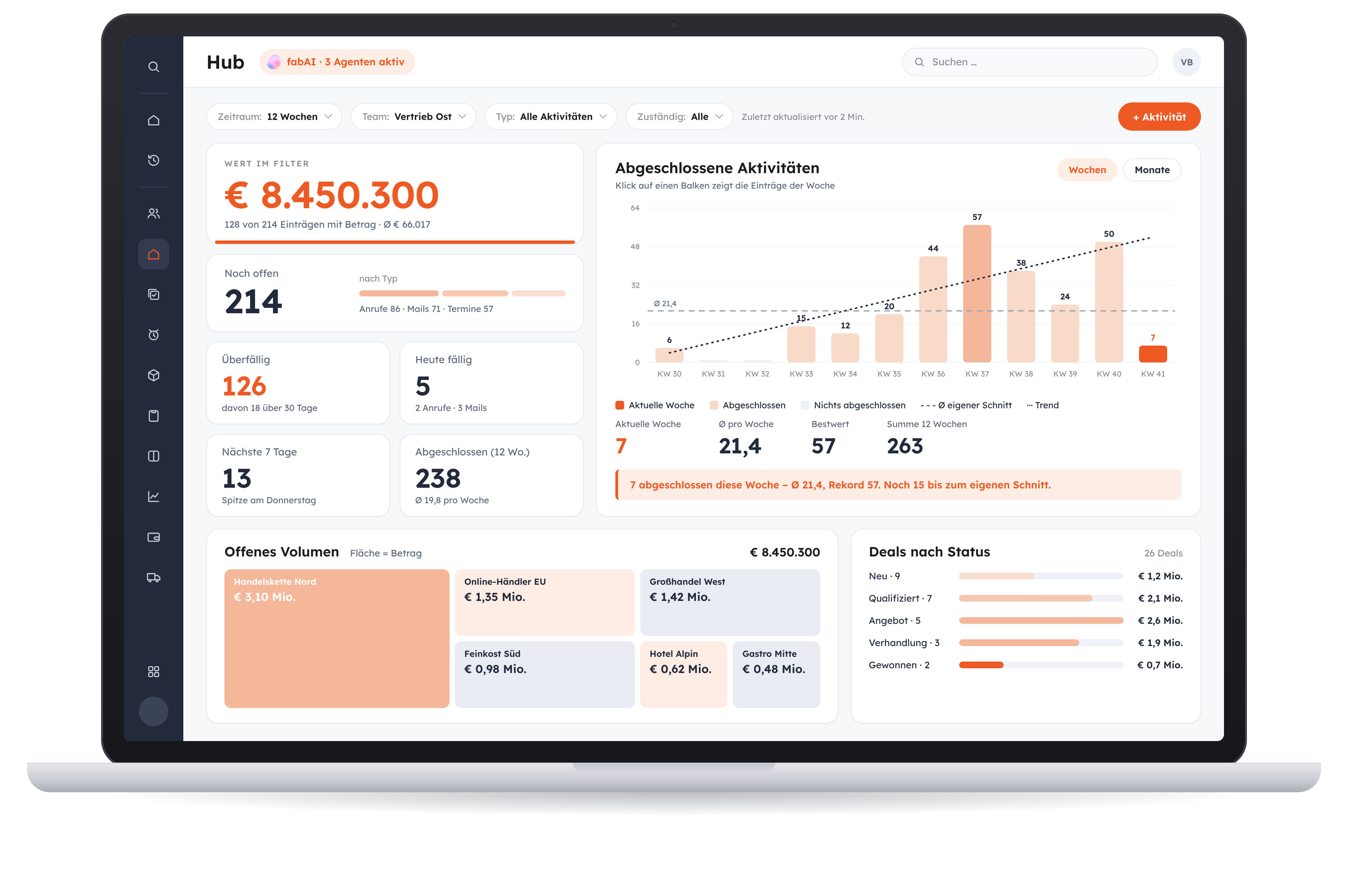
With the HUBs, you get a dedicated user interface for each use case, tailored exactly to that task. Assistants support you directly in this use case: they answer questions, provide analyses and help you reach the right decision faster. Agents go one step further and carry out actions themselves – they ask when something is unclear and suggest what to do next. The decision always stays with you. All departments that want to bring their daily workflows together in one place benefit from this.
Our web shop has been completely rebuilt. The interface is clearer, and new product overviews and an improved search lead your customers to the right item faster. Instead of a calendar, they now choose suitable delivery slots, follow their delivery via delivery tracking and order through a redesigned cart and checkout. Because the shop is directly connected to fabular., stock levels, prices and delivery times are always correct. Delivery services and eCommerce businesses with many recurring orders benefit most.
We are continuously developing the fabular. user interface. With fabUI, it looks calmer and more modern – from forms and colours to buttons. On top of that come many small improvements you will notice in your daily work: more consistent displays, clearer messages and easier operation. So you find your way around faster and work with fewer clicks.

A new answer type for text modules, multilingual descriptions, a card view for surveys, new tokens and understandable error messages make process sequences more versatile and transparent.

A rich text editor for question texts, manual deviations, filters by region, suggested corrective actions, a deviation history and visible score calculation make audits much smoother.
Group items into pools, combine several conditions of the same type and pass prices and conditions on to child items – for less maintenance and a better overview.
Currency, exchange rate and amounts flow end to end from invoicing through the posting screen, account statement and open item clearing into the payment run, including automatic balancing of rounding differences.
You send your VAT return directly from fabular. to FinanzOnline – no export, no web portal, and with a confirmation of the transmission.
Amounts and quantities in the same format everywhere, adjustable display duration for messages, more visible row selection and notes that no longer get in the way.
Exchange EDI messages via AS2, secure API access with tokens, import planning figures, query stock levels more precisely and synchronise partner master data from external systems.
Show cost accounting data per document type, calculate the payment term from the external document date and transfer the posting period from invoicing directly into accounting.
Transfer all positions of a dispatch to the freight order at once, pass on shipping notes end to end and assign vehicles unambiguously in route planning.
Master data, search pages and selection lists are filtered by company. For each user, you define which companies they may access and which one is the default.
Partner notes apply for a limited time and only at selected packing stations. Packers add notes via a selection list, and the system adds items or discounts automatically.
fabular. stores the history of the average price reference value and knows a production cost value – for correct valuations, even for recipe components that must not be included in the stock value.
Enter the number of pallets when duplicating, split positions several times, get a prompt when leaving a workflow and have references loaded automatically: the scanner takes more work off your hands.