Version 4.1.0
Interfaces
Logging of incoming API calls, error interfaces, a preview function for exports, and a duplication feature make interfaces easier to manage.
.png)

Logging of incoming API calls, error interfaces, a preview function for exports, and a duplication feature make interfaces easier to manage.
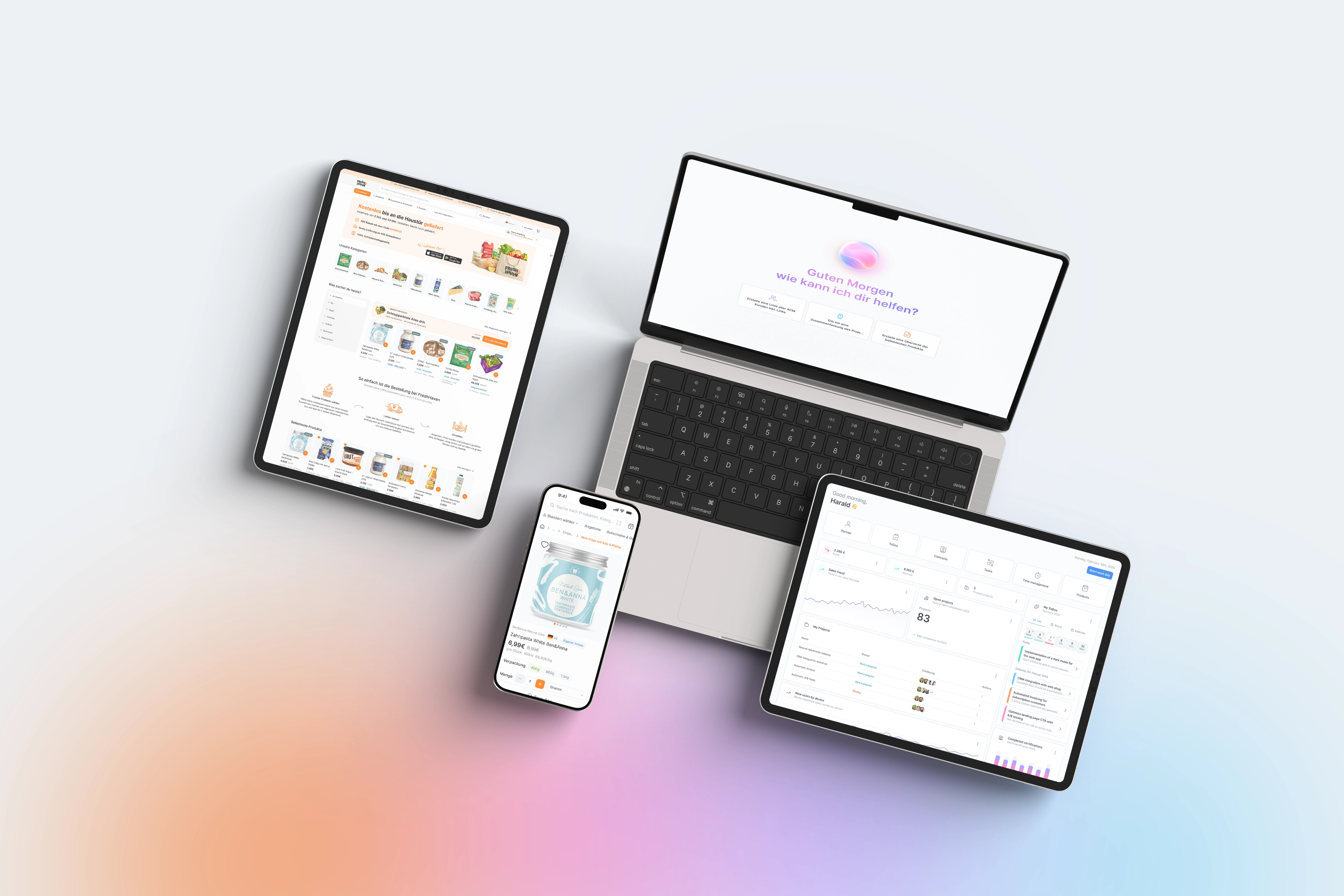
Previously, troubleshooting incoming API calls was often difficult, as it was hard to track which request arrived when and what the result was. The new logging function solves this: two new interfaces allow you to filter incoming calls by status, request and response data, duration, IP address, and user, and re-execute them if necessary. There is also progress in error handling: importing interfaces can now automatically trigger a dedicated error interface as soon as a rollback occurs, and the original faulty request is saved for further analysis. For exporting interfaces, it was previously a guessing game as to whether the exported data truly met expectations; the new preview function displays the result of a configured query directly in the export interface before the actual export is triggered. This reduces failed exports and builds confidence when delivering critical data to customers or partner systems. And for those who frequently create similar interfaces for different partners or formats, the new duplication function saves significant time compared to manually rebuilding them from scratch.
You can activate logging for incoming API calls via the new "APILogConfig" configuration interface; subsequently, all logged calls can be viewed, filtered, and re-executed as needed in the "APILog" interface. You can assign the error interface directly to the respective importing interface; the token for the error message is available for both importing and exporting interfaces. You activate the preview function by assigning a specific query of the type "Query for preview function" to the exporting interface. You can trigger the duplication of an interface using the new button directly in the interface overview; all settings are carried over. For interfaces in production, it is recommended to initially enable logging with a short retention period and monitor the data volume before finalizing a permanent configuration.