.png)
With this release, fabAI evolves from a question-and-answer chat into a true agent. Via a new MCP server, fabular. acts as an OIDC provider, so any common coding agent can log in securely and then use all of fabular.'s tools and APIs. The AI is thus no longer limited to pure reading: via write-capable MCP calls, it can carry out actions in the system itself. This is complemented by a SQL-based vector store directly in your customer database, full support for locally hosted models, and automatically generated custom pages that fabAI creates independently and that appear directly as a menu item in fabular.
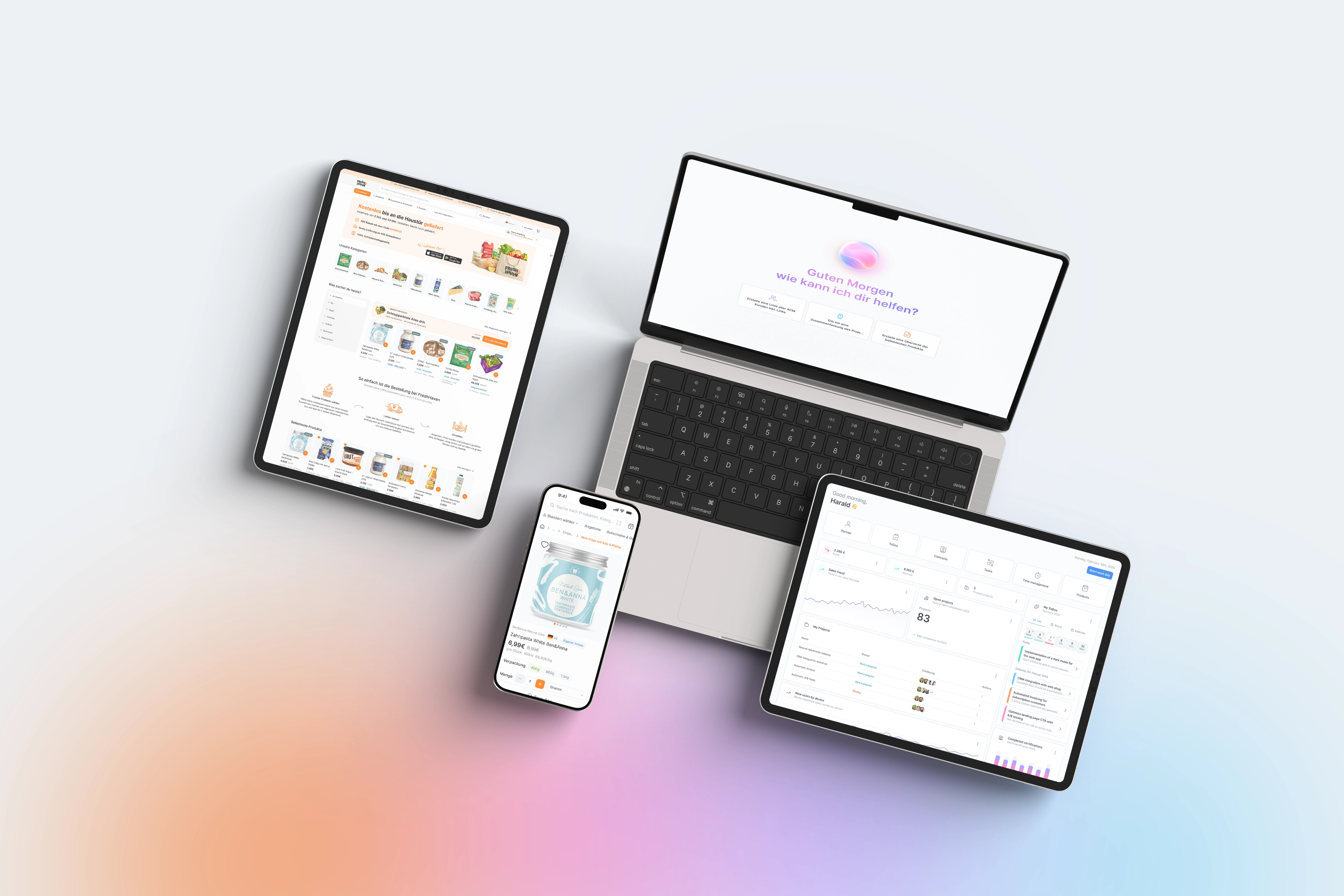
Until now, fabAI was mainly an information channel: ask questions, get answers, and you had to do the rest yourself. With the new MCP-first architecture, that changes fundamentally. Because fabular. itself acts as an OIDC provider, you can integrate the MCP server into practically any coding agent or external tool and securely access fabular.'s APIs from there - without additional integration projects. For departments such as purchasing, sales, or quality assurance, this means: an employee in recipe planning can directly ask the AI to create a new recipe for a vegan product or search for a batch in the system - and the AI carries out the action itself. The SQL vector store resides entirely in your own database, so no additional external dependencies or data flows arise - important especially for food companies with strict compliance requirements. Anyone who does not want to use a cloud model can switch entirely to locally hosted models. And if you regularly need the same report, fabAI builds you your own custom page on request, which remains permanently available as a menu item - for example, a dashboard for open complaints or upcoming batch inspections.
You'll find the MCP server in the system settings under "Integrations → MCP Server." There you activate fabular. as an OIDC provider and receive a client ID and endpoint URL for your coding agent. After one-time authorization, the agent can use all released fabular. tools and APIs, including write actions - which actions are allowed is defined per role. For the SQL vector store, select the "SQL Server as vector store" option under "Knowledge sources" in the fabAI settings; this requires at least SQL Server 2025. You integrate local models via the same area as your own model endpoint. Custom pages are created directly in the chat: ask fabAI for a report, check the preview, and confirm the adoption - the page appears automatically in the main menu. For systems with multiple model endpoints, it is recommended to test the role permissions for write-capable MCP calls in a test environment before enabling them in production.