.png)
Partner management gets a new, standalone Angular component for contacts with full DMS functionality, including document assignment and documents. In addition, partner-specific bank details for invoices can now be stored, new price lists can be created directly in the partner form, and bank details can additionally be given a currency and description. Credit limit and credit line also benefit from a configurable display currency.
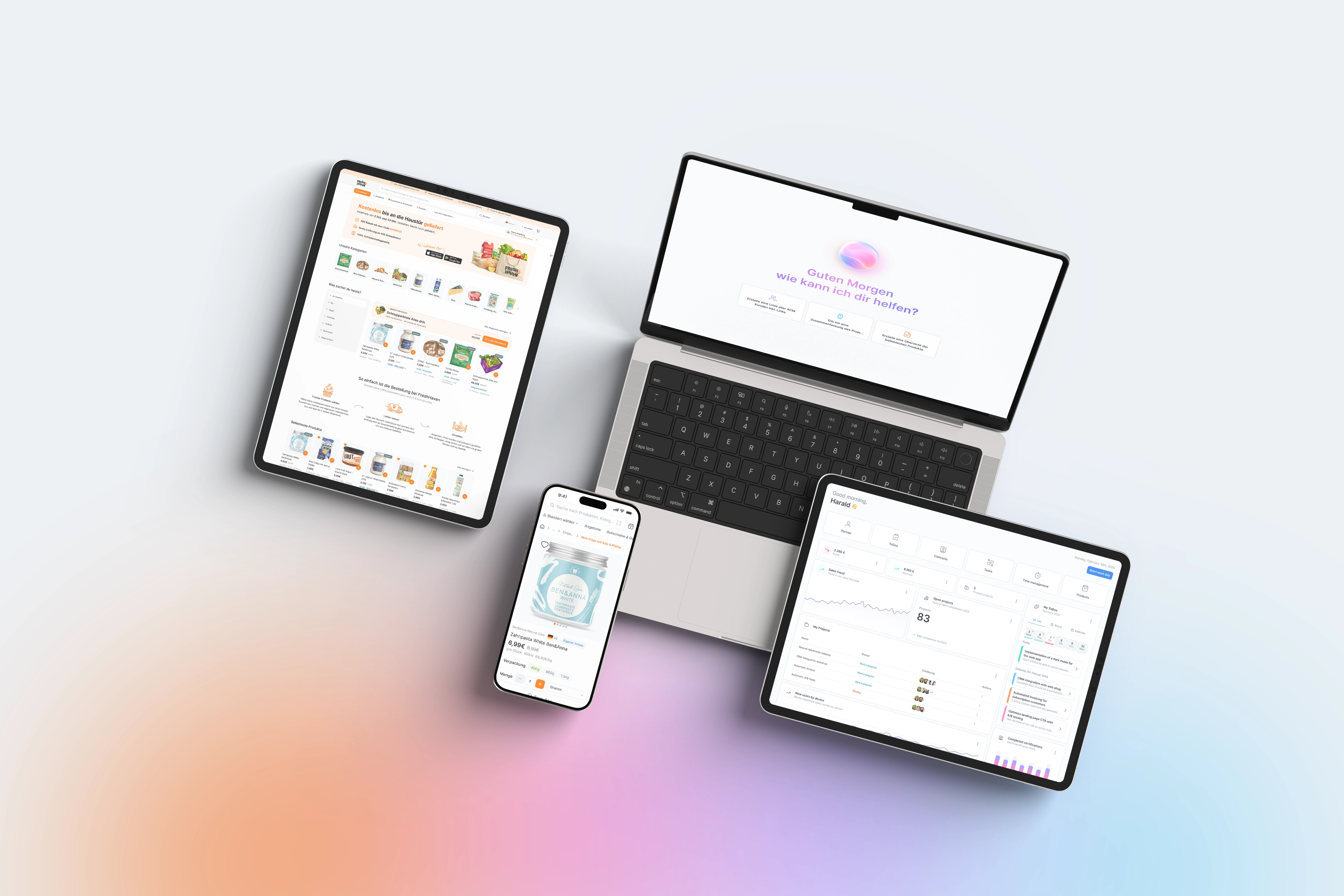
Contact management was previously closely tied to the DMS; anyone who just wanted to quickly view or maintain a contact had to take the full DMS detour. The new standalone contact page brings the same functionality - including document assignment and document view - as a lean page callable via SID, directly into the partner module, supplemented by an integrated search page and the additional display of the time next to the contact date. This makes quick access in day-to-day business easier, especially for sales and customer service. Quite a bit is also changing with bank details: previously, the appropriate bank details for an invoice were usually determined via regional logic, which did not always produce the desired result for partners with individual payment agreements. Now, a client-side bank account can be stored directly on the partner, which is given priority when invoicing - including account currency and an optional description. For sales, an annoying detour is also eliminated: a new price list can now be created directly in the partner form, instead of first having to create it separately and then assign it. And because credit limit and credit line are now displayed in a currency that can be configured uniformly for the client, creditworthiness checks across partners with different home currencies are much easier to compare.
You call up the new contact page via a module parameter with the respective SID; a link to it can also be embedded in existing partner and contract screens. You store the partner-specific bank account in the partner form via the configuration in the ERP tab; it is then automatically given priority when determining the default bank account in the contract. You activate currency and description fields for bank details via the associated UI configurations in the partner master data. You create the new price list directly via the button in the partner form as soon as the configuration for it has been activated. You control the display currency for credit limit and credit line centrally via the corresponding UI objects, independent of the individual default currency of individual partners. For companies with many international partners, it is worth briefly testing the new account currency display before rolling it out company-wide.