.png)
The portal login page has been revised and aligned with the appearance of the standard login, including the ability to show and hide the entered password. The portal header now supports multi-level navigation menus with expandable submenus, roles can be individually activated or deactivated within a user group, and fabAI is now also available in the portal with its own custom-tailored design.
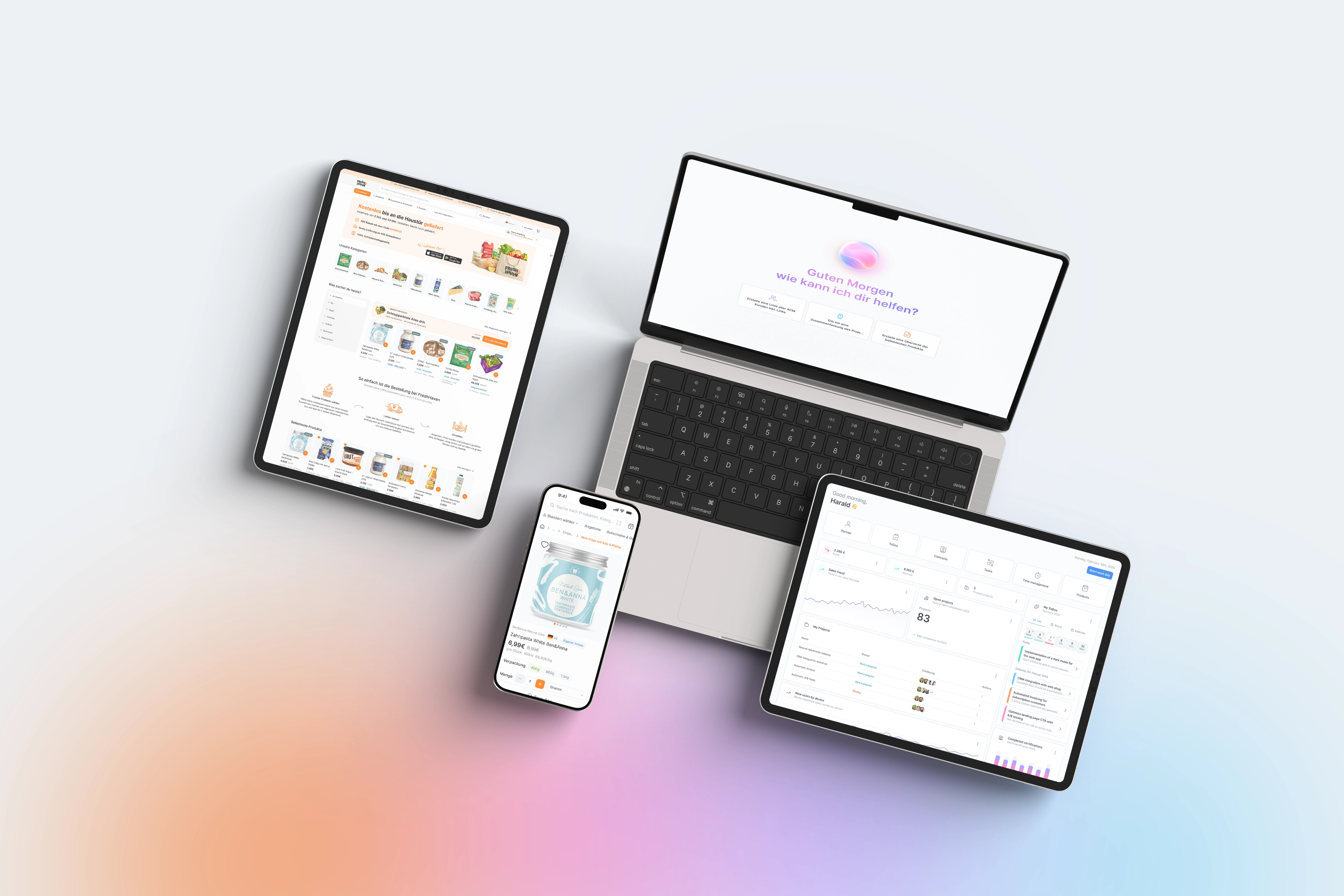
Small friction points at login quickly add up to real frustration - for example when a typo in the password goes unnoticed because the input is always masked. The new option to make the password visible with a click when logging into the portal fixes exactly this problem and saves especially first-time users unnecessary support inquiries. At the same time, the styling of the portal login page has been consistently aligned with the standard login: uniform spacing, fonts and sizes, as well as a burger menu that on small screens only appears when there is actually content available. For companies that offer their partners or customers a deeply structured range in the portal, the new multi-level navigation menu is real progress: submenus can now be cleanly expanded instead of lining up all menu items on one level. There is also noticeable relief for administrators: individual roles within a user group can now be deactivated via checkbox, without having to create a completely new role group for it. And with the portal-tailored fabAI design, the AI assistant is now available to portal users in a consistent, unified appearance.
Password visibility as well as the revised styling of the portal login page are automatically active and require no separate configuration. You set up the multi-level navigation menu in the portal header by assigning further sub-items to menu items; the first level can then be expanded and collapsed with a click. You deactivate individual roles directly in the assignment screen of a user group via the new checkbox next to the respective role or role group; the system then automatically takes the active/inactive status into account for every role check. The portal design of fabAI is automatically active as soon as the assistant is called up in the portal context. For portals with many nested menu items, a brief test of the new navigation structure is recommended in order to check clarity for end customers before rolling it out broadly.