.png)
Build your own reusable AI assistants directly in fabular – set up with AI support and ready to use whenever you need them.
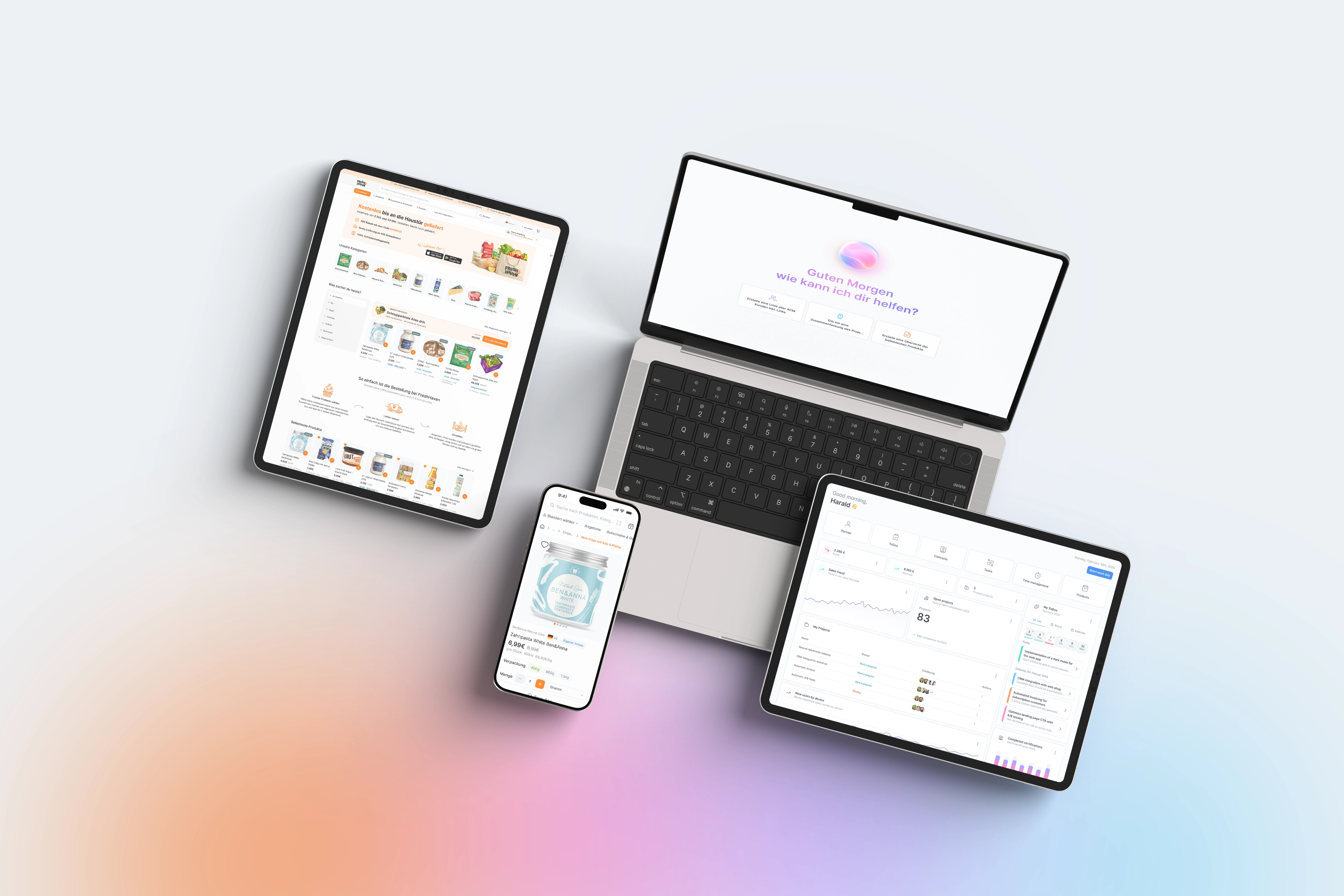
The Skill Builder changes how you work with AI every day. Previously, every recurring task meant you had to reassemble the appropriate prompt – with the risk that results would vary depending on the wording. That is now a thing of the past. You define an assistant once in full: its role, its approach, the rules it follows, and the format in which it responds. After that, this skill is permanently available and delivers consistent, reliable results every time it is called.
The major advantage lies in reusability and consistency. A well-configured skill saves time with every subsequent use and ensures that everyone on the team gets the same quality from the same assistant, regardless of who is using it. This allows you to build your own library of assistants step by step, tailored precisely to your processes: for meeting minutes, summaries, evaluations, or any other recurring task. Because the Skill Builder is based on the same AI-supported setup as the Prompt Designer, you don't have to laboriously maintain the structure by hand. You simply describe the goal, and fabAI handles the details and fills in the structure automatically. This significantly lowers the barrier to entry and makes AI assistants accessible to everyone, even those who don't want to deal with prompt engineering.
To create a new skill, open the Skill Builder in fabular and start a new assistant. Instead of configuring all settings manually, simply describe the goal of your assistant to the AI (fabAI) – i.e., what it should be able to do and what task it should take over. fabAI then supports you in defining the role, approach, rules, and scope. Based on this, the individual sections are filled in automatically: task, role, approach, output format, quality rules, and variables.
Review the suggestions, adjust individual points if necessary, and finalize the skill. It is then permanently available to you and can be opened and edited at any time. You can use a finished skill in two ways: either directly in fabAI by selecting it and entering your input, or by deploying it as a dedicated menu item so that it is firmly anchored in one place for daily use. Over time, you will build up an entire collection of custom-fit assistants.